
GoUWG Mobile App


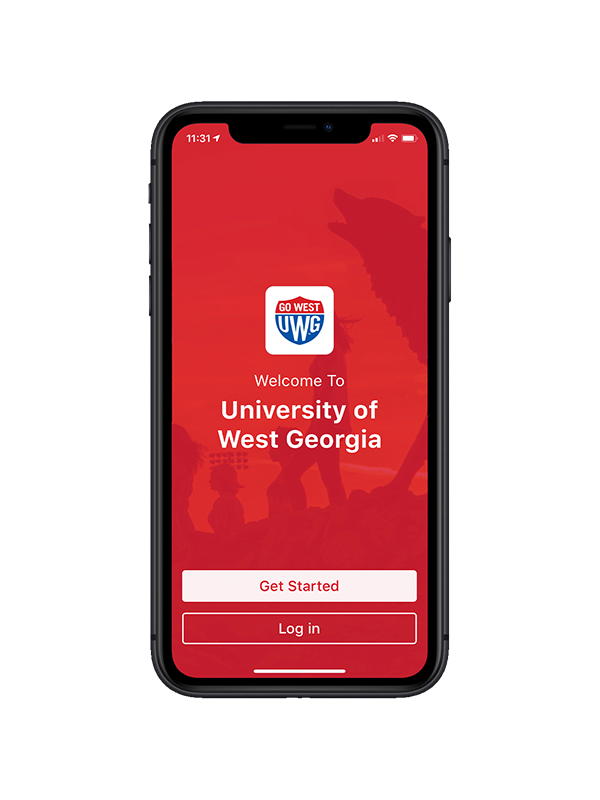
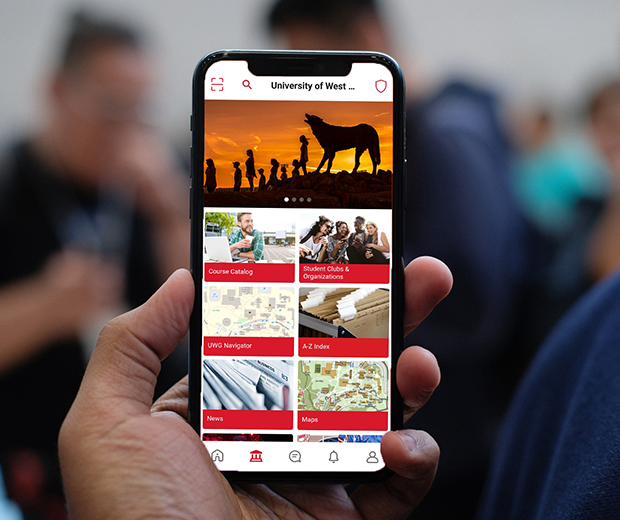
GoUWG is the official mobile app for the University of West Georgia. It provides access to essential UWG information and services anytime, anywhere on your mobile device.
Find the GoUWG mobile app for your phone and tablet through the App Store for iOS or the Google Play Store for Android.
GoUWG allows you to:
- Search for and enroll in classes
- View credits & charges to your account
- Make payments
- View administrative and financial aid holds
- Feed view
- View, accept, or decline financial aid offers and awards
- View your classes
- Explore courses
- Search the campus directory
- Read university news
- Browse our event calendar
- Get news and schedules for UWG sports
- Find dining locations and hours
- Search library collections
- View campus map
- Receive push notifications
- And more
Support
Submit a comment or suggestion using the feedback feature on the GoUWG mobile app or contact the ITS Service Desk.
FAQFrequently Asked Questions
Do I have to pay to install the GoUWG app?
No. The app is free for both iOS and Android.
How do I install the GoUWG mobile app?
Navigate to the GoUWG app store listing in the App Store for iOS devices or the Google Play Store for Android devices and follow the "Install" prompts.